

How to Create a Portfolio Website With Elementor in 2026 (No Coding Needed)
If you want to learn how to create a portfolio website with Elementor, the short answer is this: install WordPress, install Elementor, import a portfolio template kit, replace the demo text and images with your own work, and publish. You do not need to write code, hire a developer, or design every page from scratch.
A portfolio website is not just a gallery. It is how a designer, photographer, freelancer, or creative agency proves their work, explains their services, and turns a visitor into a client. Done well, it can be live in a day. Done badly, it becomes a slow, confusing site that hides your best work.
This guide walks through the full process, step by step, so you can build a portfolio that looks professional, loads fast, and is easy to update.
What You Need Before You Start
You only need four things before you build a portfolio website with Elementor:
- A domain name — ideally your name, your studio name, or a short brand name that is easy to remember.
- WordPress hosting — most hosts offer one-click WordPress installation.
- The free Elementor plugin — the drag-and-drop builder that lets you edit pages visually.
- A portfolio template kit — a ready-made set of pages designed for portfolios, including home, work, about, and contact pages.
You do not need Elementor Pro to start. Many portfolio kits work with the free version of Elementor, although some advanced features, such as custom headers or forms, may need Pro or a free form plugin, depending on the kit.
Choose a kit that already matches your style. Changing colours and fonts later is easy. Rebuilding a whole layout because you picked the wrong structure is not.
Step 1: Install WordPress and Elementor
After your hosting is ready, install WordPress from your hosting dashboard. Then go to Plugins, add Elementor, and activate it.
Next, install a lightweight theme that works well with Elementor, such as Hello Elementor. A heavy, feature-packed theme can slow your site down before you have even added your work. Keep the base simple and let Elementor do the design work.
Step 2: Import a Portfolio Template Kit
A template kit is different from a WordPress theme. A theme controls the overall framework of your site. A template kit gives you ready-made page designs inside Elementor.
To import one, download the kit file, then use Elementor’s template kit import tool to upload it. Import the global kit styles first, because those set your colours, fonts, and button styles for the whole site. Then import the individual pages one by one.
This is the fastest way to learn how to create a portfolio website with Elementor, because you start from a finished design instead of a blank page. You can see how a professional portfolio is structured, then make it yours.
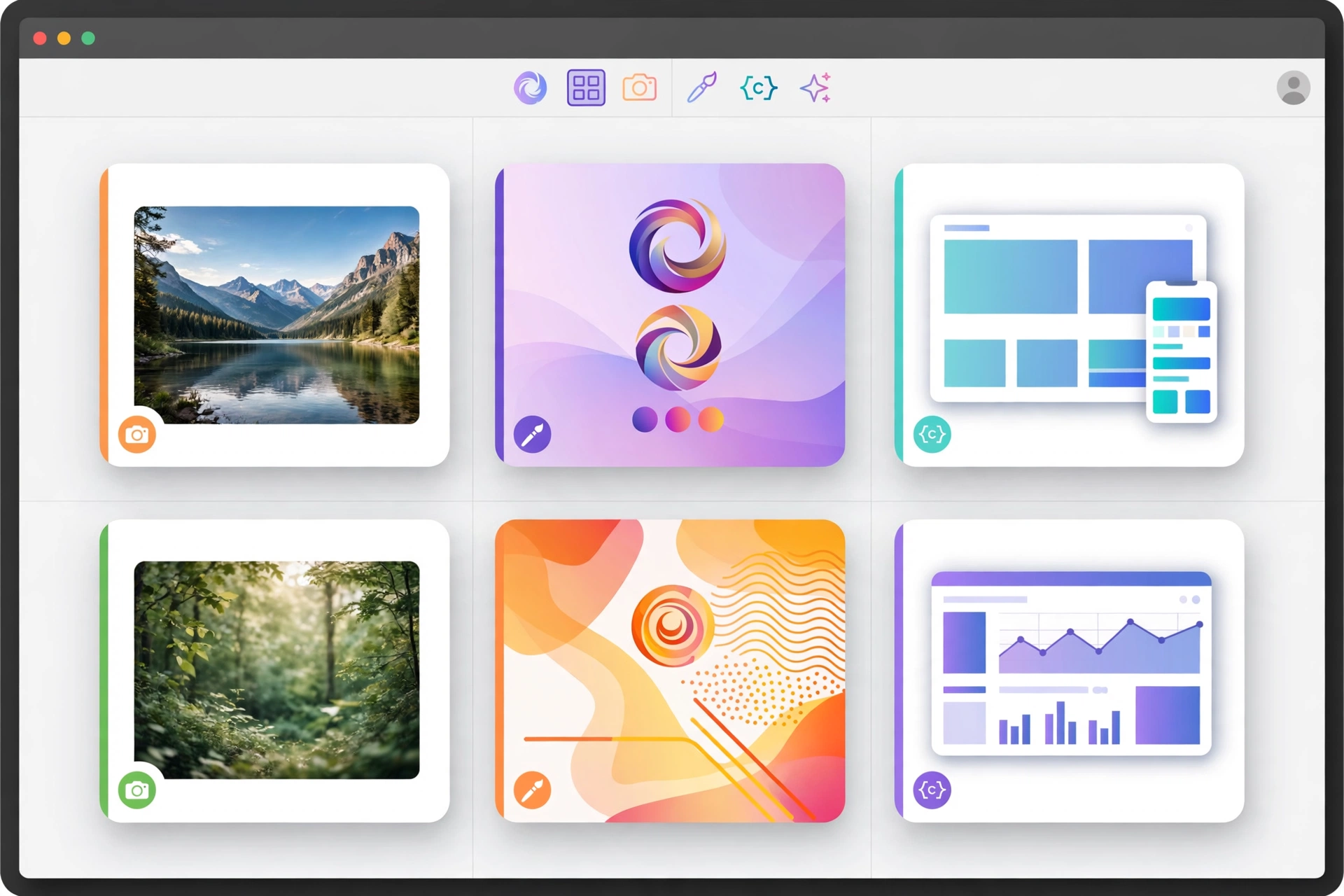
For example, a portfolio kit from ElementorHub usually includes a home page, an about page, a portfolio list, a single project page, a services page, a blog page, and a contact page, plus header and footer templates.
Step 3: Replace the Demo Content With Your Own Work
This is the step most beginners rush, and it matters most.
Replace every demo image with your own project images. Replace every demo headline with a real result, service, or skill. Delete any section you do not need, rather than leaving filler text on a live site.
For each project, show:
- What the client or brief asked for
- What you actually made
- One strong visual result, not ten weak ones
- What happened next, if you can share it, such as more sales, more bookings, or a launch
Three excellent projects will win more clients than twenty average ones. If a project does not make you proud, leave it out.
Step 4: Build the Pages Every Portfolio Needs
A strong portfolio website with Elementor usually needs five core pages:
Home: One clear headline, your best work, and one call to action, such as “View my work” or “Book a call.”
Work / Portfolio: A clean grid of projects. Each project should open to its own page with images and a short explanation.
About: Who you are, who you help, and why a client should trust you. A short story works better than a long CV.
Services: What you offer, who it is for, and how to start. Keep prices off this page unless you want to publish them.
Contact: A simple form, your email, and your location or time zone if you work with international clients.
Add a blog only if you will update it. An empty blog hurts trust more than no blog at all.
Step 5: Customise Colours, Fonts, and Layout — Without Breaking the Design
Elementor lets you change a kit globally, which means you change a colour or font once and it updates across the site. Use that, instead of editing every heading by hand.
Pick two main colours and one accent colour. Pick one font for headings and one for body text. Keep spacing consistent. The goal is not to show every Elementor widget you know. The goal is a site that looks calm, clear, and intentional.
Check your work on a phone before you publish. Most portfolio visitors will first see your site on mobile, and a layout that looks perfect on desktop can break badly on a small screen.
Template Kit vs. Building From Scratch vs. a Theme
| Option | Best for | Speed | Design control |
|---|---|---|---|
| Portfolio template kit | Freelancers and creatives who want a fast, professional start | Fastest | High, inside Elementor |
| Building from scratch in Elementor | Designers who want a fully custom layout | Slowest | Highest |
| A traditional portfolio theme | Users who do not want to use a page builder | Medium | Limited by the theme |
For most people, a template kit is the best balance. You get a professional structure immediately, and you still control the content, colours, and layout in Elementor.
Step 6: Speed, Mobile, and Basic SEO
A beautiful portfolio that loads slowly will lose visitors. Before launch, do these basics:
- Compress your images before uploading them, and use modern formats where possible.
- Do not install ten plugins for one job. Keep only what you use.
- Write a clear title and meta description for your home page and your main work page.
- Add alt text to your project images, describing what each image shows.
- Test every page on mobile and fix any text that overflows or buttons that are too small.
These steps also help search engines understand your site. A portfolio is a visual product, but search engines still need words: project titles, service descriptions, and location or niche terms help the right people find you.
Common Mistakes to Avoid
- Too many projects: Quality beats quantity. Curate ruthlessly.
- No call to action: Every page should tell the visitor what to do next.
- Vague services: “I do design” is weaker than “I design brand identities and landing pages for startups.”
- Leaving demo text live: Lorem ipsum and demo testimonials destroy trust instantly.
- Hiding contact details: If a client cannot contact you in one click, they will contact someone else.
How Long Does It Take?
With a template kit, a clean portfolio can be ready in one day: a morning to import and replace content, an afternoon to customise, test on mobile, and publish. Building the same site from a blank page in Elementor usually takes several days, especially for a beginner.
The work that takes longer is not the website. It is choosing your best projects, writing clear project descriptions, and preparing high-quality images. Do that work first, and the website part becomes easy.
Final Checklist Before You Publish
- Home page headline is clear in five seconds
- Best three projects are visible without scrolling too far
- About page explains who you help
- Contact form works and sends to the right email
- Site looks correct on phone and desktop
- Page titles and meta descriptions are written
- No demo text, demo images, or broken links remain
Once those are done, publish. You can improve a live portfolio over time. You cannot get clients from a portfolio that stays in draft.
If you want a faster start, browse portfolio template kits and plans on ElementorHub, import a kit that fits your niche, and replace it with your own work using the steps above.
Frequently Asked Questions
Do I need Elementor Pro to create a portfolio website with Elementor?
No, not to start. The free version of Elementor is enough for most portfolio pages. Some kits or features, such as advanced forms or theme builder templates, may need Pro or a free alternative plugin, depending on the kit you choose.
How long does it take to build a portfolio website with Elementor?
With a template kit, most people can publish a clean portfolio in a day. From a blank page, allow several days, especially if you still need to prepare project images and descriptions.
Can I use one Elementor template kit on more than one website?
That depends on the licence of the kit you buy. GPL-licensed kits, such as those sold by ElementorHub, are designed to be used on unlimited sites, which is useful for freelancers and agencies.
Is a portfolio template kit responsive?
A good kit is designed to work on desktop, tablet, and mobile. Always test your own site on a phone after importing, because your images and text lengths can change how a layout behaves.
Do I need to know how to code?
No. Elementor is a visual, drag-and-drop builder. You can build, edit, and publish a portfolio website with Elementor without writing code, although basic WordPress knowledge helps.